Run Python on a Mac without a project
A Python file can run on a Mac without a PyCharm project. Open it in Notepad.exe and run it with an interpreter you already installed. The app creates a .venv from that interpreter. pip installs the note's dependencies into that venv.
PyCharm, then the file
The 1.2 release notes describe the usual start: open PyCharm, wait, create a project, pick an interpreter, then give up and run the file. A one-off script needs python3 script.py and a place you can find the script tomorrow.
Notepad.exe keeps that path inside the editor. The note can be a blank file or a Python Package template from the new-note sheet. There is also a Linux script template when the file has to match a server. The Linux guide covers that target. For a local check, the Mac interpreter is enough.
Dependencies and the venv
On a new note, the run creates .venv with the interpreter you selected, then runs .venv/bin/python. If the note lists dependencies, pip installs them into that venv and nowhere else. Numpy follows that rule. It is absent until you list it, and the install leaves Homebrew Python and a python.org install alone.
You still pick the interpreter. The app does not ship a private Python. Two notes pointed at two interpreters get two venvs. A native package with uv.lock uses uv. Otherwise a native package gets an editable pip install into its own .venv.
Run it
- Install the Python you want to run. Notepad.exe calls the interpreter you choose, and it ships without a Python of its own.
- Open Notepad.exe and start a Python note, or open a .py file you already have.
- Press Run. Output shows up in the editor.
- List a library in the note's dependencies. The app pip-installs it into the note's .venv. numpy works that way, and it is not preinstalled.
- The first run creates a .venv from the interpreter you picked and runs .venv/bin/python.
Limits
There is no notebook cell UI and no plot pane, and pandas is not preinstalled. If the script prints a table, you read the output. A debugger the size of PyCharm is still PyCharm.
You still install Python yourself. Toolchain discovery improved in later releases, and the interpreter remains the one you picked. Rust, Go, and JavaScript have their own run buttons. Python's is a file, Command-R, and the interpreter you named.
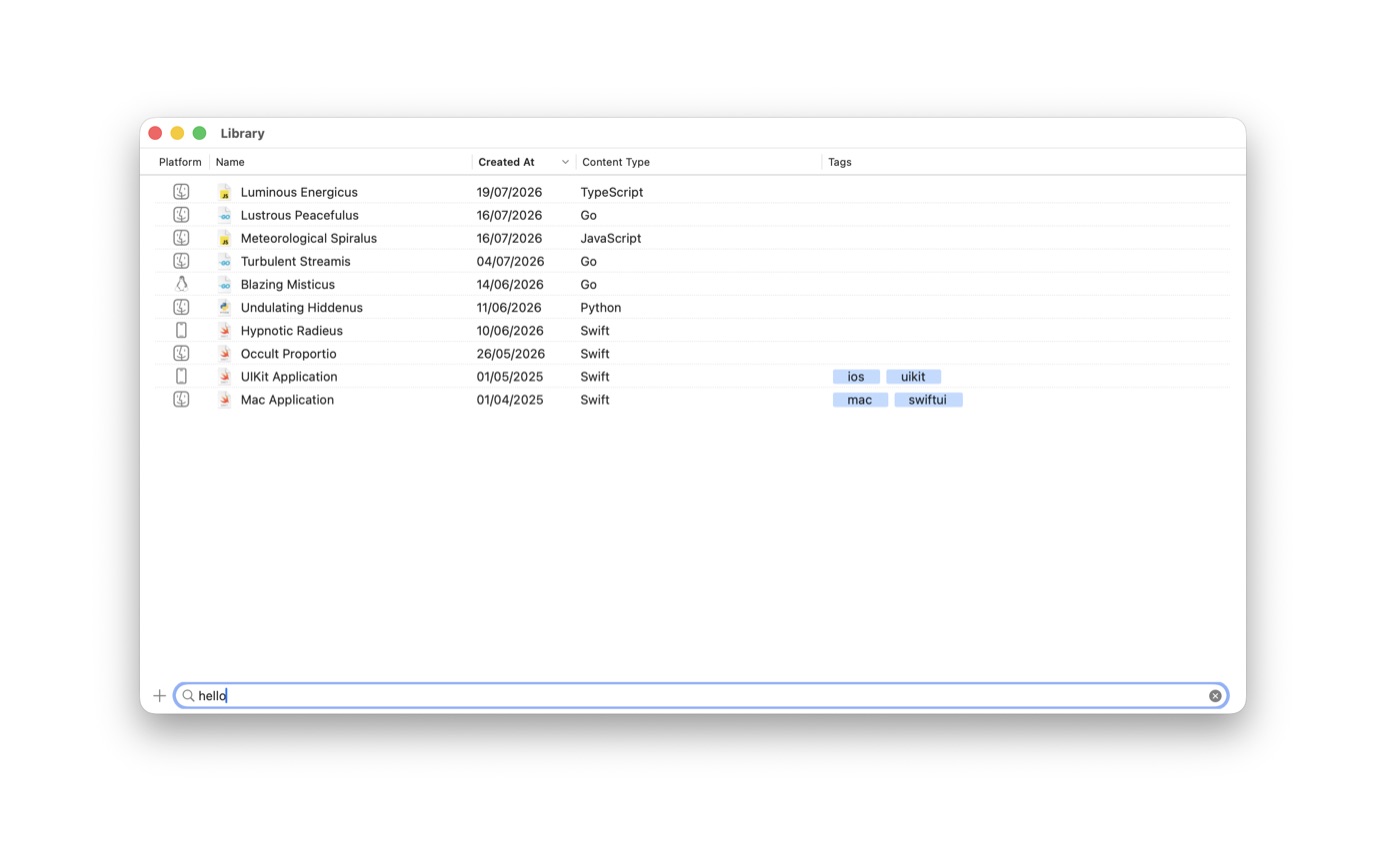
When the script is one of several you keep coming back to, save it in the Library and tag it. The snippet guide covers the Library. A Python note shows up there with the other languages.
Two interpreters
Say the Mac has Homebrew Python 3.12 and another interpreter on Python 3.11. Point the chart at 3.12 and the teammate's script at 3.11. Each note's .venv is created from the interpreter you picked, so the two environments stay separate. pip follows that venv.
A requirements file next to the script is enough once the note has more than one dependency. The homepage calls these Python requirements. They live on the note. If the repo already has a poetry lockfile, open the repo and use the interpreter that repo expects.
Linux is a different interpreter. A generated note runs python3 inside the app's Linux container, and listed dependencies are pip-installed into a site-packages directory that container can see. A native Python package is refused on Linux. The Mac .venv is the one you use while editing. The Linux guide has the rest.
Questions
Do I still need Python installed on the Mac?
Yes. Notepad.exe runs the interpreter you choose. It does not ship a private Python.
Can I install numpy?
Yes, if you list it in the note's dependencies. pip installs it into the note's .venv. numpy is not preinstalled, and it is not installed into the interpreter itself.